


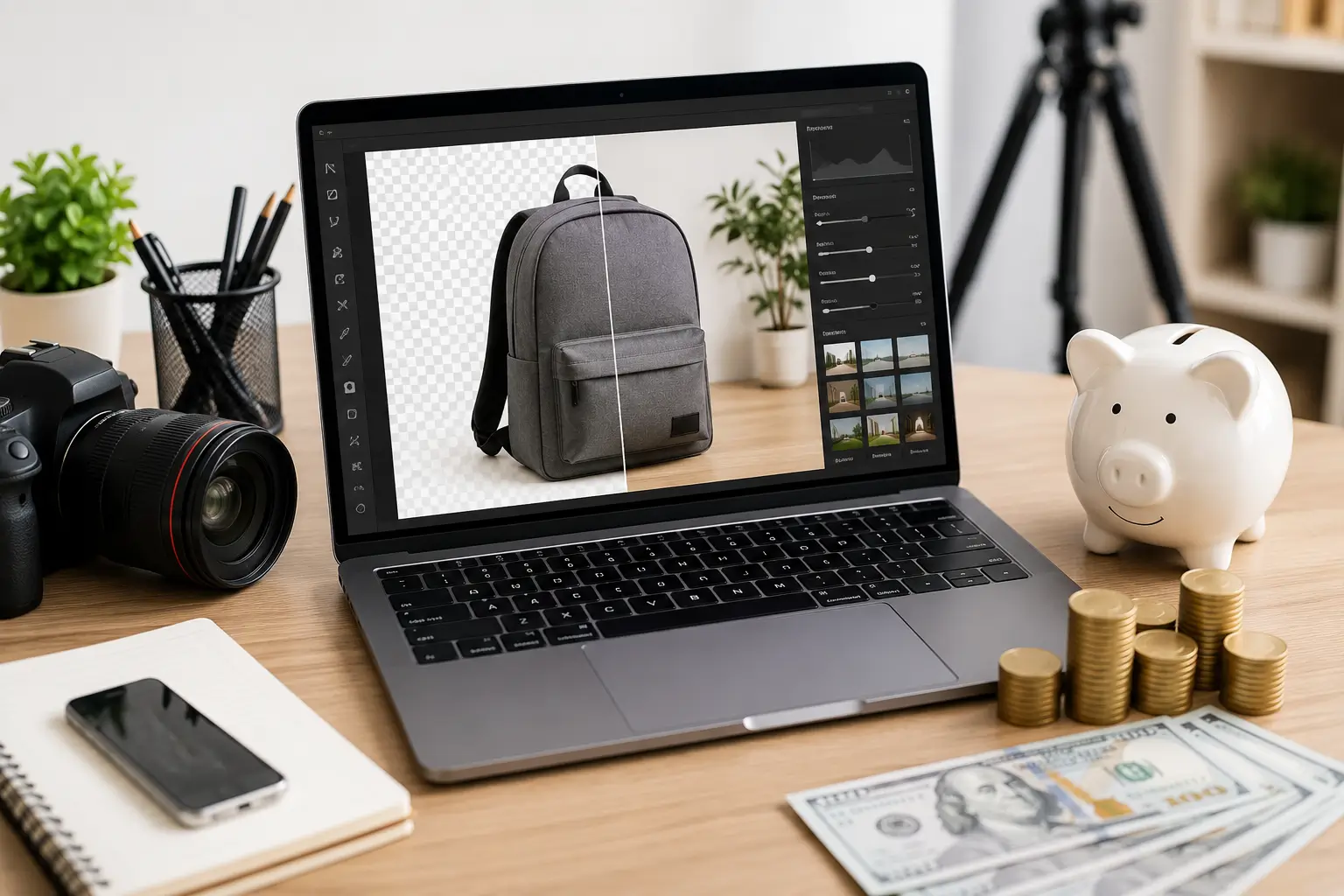
Creating high-quality visuals used to be one of the most expensive parts of content marketing. Whether you run a small business, manage an online store, publish a blog, or create social media content, good photos often require professional photographers, editing software, stock image subscriptions, or graphic designers.
Today, things are changing.
New AI photo tools make it simple to edit pictures, take out backgrounds, improve quality, change sizes, and make professional images in just a few minutes instead of hours. These updates help businesses spend less money while keeping their content new and steady. Many content creators say these features save them a huge amount of time on boring, repetitive editing work.
The biggest advantage isn’t replacing creativity. It’s eliminating repetitive work so you can spend more time planning better content and connecting with your audience.
Why Content Creation Costs Keep Rising
Every piece of online content usually needs at least one strong visual. If you publish several blog posts, product pages, or social media updates each week, expenses can grow quickly.
Common content expenses include:
- Professional photography
- Image editing
- Stock photo subscriptions
- Graphic design
- Product photos
- Social media graphics
Many small businesses simply don’t have the budget for custom photography every time they launch a campaign. That’s where modern AI photo editing technology becomes valuable.
How AI Photo Tools Reduce Content Costs
Creators can complete many routine jobs themselves. Instead of hiring outside help for every small editing task.
Popular capabilities now include:
1. Background Removal
Removing backgrounds used to require careful manual editing. Now it often takes only a few clicks.
This is especially useful for:
- Product photography
- Online marketplaces
- Amazon listings
- Shopify stores
- Marketing banners
Businesses that sell dozens or hundreds of items can save some money on editing by making this step automatic. Removing backgrounds is still one of the most popular features used across top photo editing apps.
2. Image Enhancement
Photos don’t always turn out right away—bad lighting, blurriness, or dull colors can ruin a good shot. Luckily, modern editing tools can quickly fix brightness, contrast, sharpness, noise, and colors. So, instead of setting up a brand-new photoshoot, you can easily save and use your old photos with just a few quick edits.
3. Faster Content Production
Speed is crucial because marketing teams constantly require blog featured images, social media posts, website banners, email graphics, and landing page visuals. Waiting days for edited pictures slows down every campaign, but faster editing gets your content to your audience much sooner. Many creators also cut their work time down significantly by simplifying their daily editing tasks.
Better Product Photography Without a Large Budget
Small online shops often struggle with product photography because hiring professionals for every new item is too expensive. To fix this, many sellers take basic photos on their own and improve them using tools to clean backgrounds, fix shadows, adjust colors, remove unwanted objects, and resize images. Industry studies show that using these modern editing methods helps to save money compared to hiring a traditional photo studio.
Save Money on Stock Photos
Stock image subscriptions are useful, but they can become costly over time. Many businesses purchase hundreds of images every year. In place of searching for the perfect stock photo every time, creators can customize existing visuals, improve original photos, or generate unique marketing assets that better match their brand style.
This also helps websites look more original instead of using the same images found across dozens of competitors.
Improve Social Media Consistency
Growing a social media presence requires frequent posting. Many creators stop posting regularly because creating visuals takes too much time. Faster image editing allows marketers to maintain a consistent publishing schedule without dramatically increasing their budget.
Rather than spending weeks trying to make every single post flawless, posting consistently delivers much better results over time. A number of creators note that publishing content more often and more efficiently proves to be a far more successful strategy in the long run.
Best AI Photo Editing Tools
If you’re looking for reliable AI Photo Tools that can save time and reduce content creation costs, these are among the most popular choices for creators, marketers, small businesses, and ecommerce sellers.
1. Adobe Photoshop
It is still a dependable and trustworthy option for AI photo editing. With just a few clicks, its clever artificial intelligence technology can remove undesired objects, enlarge images, change backdrops, and make complex changes.
Key Features:
- Generative Fill for quick image edits
- AI-powered object removal
- Background replacement tools
- Smart selection capabilities
- Professional color correction
Pros:
- Delivers industry-leading editing quality
- Offers powerful and extensive features
- Receives regular feature updates
Cons:
- Requires a monthly subscription fee
- Presents a steep learning curve for beginners
2. Canva
It is one of the easiest tools for making social media graphics, blog images, presentations, and marketing materials. Its smart AI features make enhancing photos simple, even if you have no design experience at all.
Key Features:
- Magic Edit
- Background Remover
- AI image enhancement
- One-click resize
- Thousands of ready-made templates
Pros:
- Beginner-friendly interface
- Fast content creation
- Affordable pricing
Cons:
- Limited advanced photo editing compared to Photoshop
3. Luminar Neo
It specializes in AI photo enhancement tools. It automatically fixes lighting, removes unwanted distractions, upgrades skies, and sharpens portraits with very little manual effort.
Key Features:
- Sky replacement
- Portrait enhancement
- Noise reduction
- Relight AI
- Automatic color correction
Pros:
- Excellent image quality
- Easy to use
- Strong portrait editing features
Cons:
- Requires a powerful computer for large projects
4. Pixlr
Pixlr is an online AI photo editor that you can use right inside your web browser. Because it works completely in the cloud, you do not need to download or install any heavy software on your computer, making it super easy and fast to make quick edits whenever you need them.
Key Features:
- AI background removal
- Object removal
- Image enhancement
- Filters and effects
- Browser-based editing
Pros:
- No software installation
- Fast editing
- Budget-friendly
Cons:
- Fewer advanced tools than desktop software
5. PhotoRoom
PhotoRoom has quickly become a top choice for online sellers and ecommerce businesses because it makes creating professional product photos fast and effortless.
Key Features:
- Instant background removal
- Product photo templates
- Batch editing
- Shadow generation
- High-resolution exports
Pros:
- Perfect for product photography
- Saves significant editing time
- Mobile and desktop support
Cons:
- Some premium features require a paid plan
Which AI Photo Tool Should You Choose?
| Tool | Best For |
| Adobe Photoshop | Professional photo editing and advanced creative work |
| Canva | Social media graphics, blog images, and marketing content |
| Luminar Neo | High-quality portrait and landscape photo enhancement |
| Pixlr | Fast online photo editing without software installation |
| PhotoRoom | Ecommerce product photography and background removal |
Conclusion
Making good-looking pictures no longer costs a lot of money. New AI photo tools help businesses, bloggers, online shops, and creators edit faster, spend less, and post more often. From removing backgrounds and improving images to editing many pictures at once and resizing them smartly, these tools make daily work easier and help everyone create professional-looking content.
Don’t try to automate everything. Instead, let technology handle the boring, repetitive tasks. Use your own time to plan, tell great stories, and connect with your audience. When you mix speed with creativity, you can post more often, spend less money, and keep your brand looking professional without breaking your budget.

2 Comments
Pingback: Image Search Techniques: Tips, Tools, and Best Practices
Pingback: Complete Indian Passport Renewal Process via VFS Global