


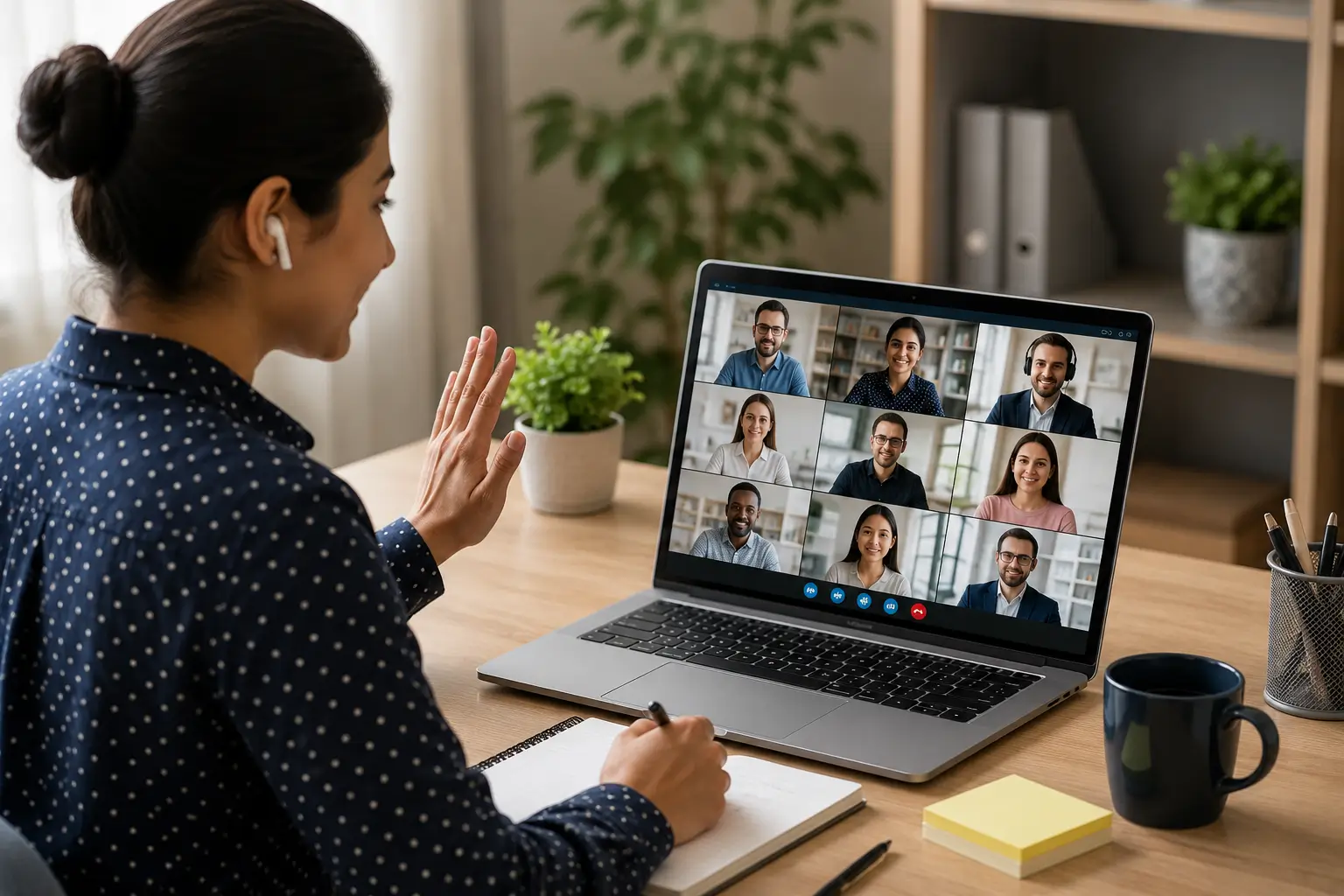
You might use Zoom for a client call, Microsoft Teams to talk with your team, Google Meet for an interview, or another video app for a quick catch-up. Video calls make it easy to connect, but meetings are still tough. A late start, loud background noise, a messy room, bad internet, or people talking over each other can quickly ruin the call.
That is where virtual meeting etiquette matters. Virtual meeting etiquette is simply about good habits. It helps everyone talk clearly, shows respect for other people’s time, and keeps the group focused. You do not need fancy equipment or a perfect room. You just need to prepare, pay attention, and be mindful of others.
What Is Virtual Meeting Etiquette?
Virtual meeting etiquette covers the basic behavior people should follow during an online meeting. Think about a virtual meeting as a normal face-to-face meeting that happens through a screen. You still need to arrive on time, listen when someone speaks, avoid unnecessary interruptions, and stay involved in the conversation.
The screen changes the setting, but it does not remove the need for good manners. Good online meeting etiquette also involves a few things that do not matter as much in a traditional conference room. You need to check your microphone, camera, internet connection, screen-sharing settings, notifications, and surroundings.
Why Does Virtual Meeting Etiquette Matter?
A poorly managed online meeting can waste everyone’s time. For example, imagine a team spends the first five minutes waiting for someone to connect. Then another person forgets to mute their microphone while typing. Someone else keeps checking email during the discussion, and two people start talking at the same time.
Nobody has done anything terrible, but the meeting quickly becomes harder to follow. Good virtual meeting etiquette creates a smoother experience. It helps people understand who should speak, when they should speak, and how they should participate. It also helps you appear dependable and respectful. This matters even more when you meet clients, managers, interviewers, executives, or people you have never met before.
Virtual Meeting Preparation Starts Before You Join
One of the easiest ways to improve an online meeting is to prepare before it begins. You do not need to spend 30 minutes getting ready for every short call. Look at the meeting invitation and understand the purpose of the call. If someone sent an agenda or supporting document, read it before joining. Keep any files you may need within easy reach.
It is also smart to test your microphone and camera if you have not used them lately. Microsoft suggests preparing your equipment and planning roles before big meetings. This preparation helps stop technical problems during the call. You should also test your microphone and camera if you have not used them recently. Microsoft recommends preparing equipment and planning meeting roles before larger virtual meetings because preparation can reduce technical problems during the event.
1. Check Your Technology
Open the meeting app early enough to catch basic problems. Make sure your camera works if you plan to use video. Keep your charger close by if you are using a laptop. You should also have a backup plan for an internet problem. For example, keep your phone available in case you need to switch to another connection or call into the meeting.
2. Choose a Quiet Location
Your surroundings can affect everyone on the call. Choose the quietest practical location available. Close the door if possible and let people around you know that you have an important virtual meeting. You do not need a perfect home office. A clean, reasonably quiet space usually works well. If your environment creates too much noise, headphones with a microphone can help reduce distractions.
3. Join the Meeting on Time
Being on time remains one of the simplest rules of professional communication. For important meetings, joining a few minutes early gives you time to check your audio and settle in. Several workplace etiquette guides recommend joining early rather than arriving after the discussion has already started.
Late arrivals can interrupt the conversation, especially when someone has already started presenting an important point. If something unexpected delays you, send a quick message when appropriate. You do not need to provide a long explanation. A simple note can let the host know that you are running late.
4. Use Your Microphone Properly
Microphone etiquette may sound obvious, but it causes many problems in virtual meetings. Background sounds can distract everyone. A keyboard, barking dog, television, traffic, or another conversation can become surprisingly loud through a microphone.
Keep your microphone muted when you are not talking, especially in larger virtual meetings. Only turn it on when you have something to say. Most meeting apps give the host controls to manage audio for everyone if needed.
Do not assume that a quiet room will always stay quiet. Someone may start vacuuming, a delivery person may knock, or a family member may walk into the room. When you finish speaking, mute yourself again if the meeting format calls for it.
5. Camera Etiquette Depends on the Situation
Camera use does not have one universal rule. Some workplaces expect cameras during certain virtual meetings. Others allow people to turn them off, especially during long internal calls or when someone has technical or privacy concerns. Follow the expectations of your workplace or meeting host.
If you turn your camera on, check what appears behind you. You do not need a studio-quality background, but you should avoid obvious distractions. Zoom recommends thinking about professional conduct in virtual meetings just as you would in person. Your camera position also matters. Place it at a comfortable height so you do not spend the entire meeting looking sharply down at the screen.
6. Dress for the Meeting You Are Attending
Your clothing should match the situation. A casual internal team call may not require the same clothing as a client presentation or job interview. The safest approach involves thinking about who will attend and what you need to accomplish. If you would normally dress professionally for an in-person meeting with that group, use a similar standard online. You do not need to dress formally for every video call. You simply need to show that you understand the setting.
7. Avoid Talking Over Other People
Online conversations make interruptions harder to handle. In a real room, people can read body language and tell when someone is about to speak. Video calls make those signals harder to see. Pause briefly before answering when someone finishes talking. If many people want to speak, use the hand-raising tool or wait for the host to invite you.
Good video meeting etiquette also means listening instead of preparing your next answer while someone else talks. When you disagree with someone, respond to the idea rather than attacking the person. A calm discussion usually produces better results than trying to win an argument.
8. Stay Engaged During the Meeting
You do not need to stare at your camera for an hour without moving. But you should avoid obvious distractions. Close unrelated tabs and silence unnecessary notifications before the meeting. Put your phone aside if you do not need it. Avoid checking email or browsing unrelated websites while someone explains an important topic.
The Most Important Virtual Meeting Etiquette Rules
- Prepare before the virtual meeting: Check your technology, review important material, and understand why the meeting matters. This preparation helps you avoid wasting everyone’s time once the call begins. It also gives you a better chance of contributing something useful instead of trying to understand the discussion after it has already started.
- Join on time: Join the meeting a few minutes early when you can, especially for important calls. Arriving early gives you time to fix small technical problems before others need your attention.
- Mute when you are not speaking: Muting prevents background sounds from taking over the conversation. Remember to unmute before you start talking, since speaking for 30 seconds while muted can create its own awkward moment.
- Use your camera thoughtfully: Follow the meeting’s rules instead of assuming everyone must use video. When you turn your camera on, pick a good spot and check what other people can see.
- Listen without interrupting: Give other people enough time to finish their thoughts. A short pause can prevent the frustrating experience of two people speaking at the same time.
- Stay focused: Keep your attention on the meeting instead of constantly switching between email, social media, and other tasks. People can often tell when someone has stopped paying attention, even when the person keeps their camera on.
- Speak clearly: Speak at a normal pace and keep your points focused. If your internet is slow, speak a bit more slowly and give others extra time to answer.
- Handle technical problems calmly: Internet and equipment problems happen. Tell the group what happened, try a practical fix, and use a backup option when available instead of letting the problem derail the entire discussion.
- Respect other people’s time: Avoid unnecessary side chat and do not turn a short meeting into a long talk without a clear reason. If a topic needs more time, suggest handling it later.
- Follow up after important meetings: If the meeting produced decisions or action items, make sure everyone understands what happens next. A short follow-up can prevent confusion later.
Screen Sharing Requires Extra Care
Screen sharing can save time, but it can also create embarrassing situations. Before you share your screen, close personal messages, unrelated documents, private information, and unnecessary browser tabs. Open the exact file or page you want to show before you click the share button.
If you need to show a presentation, move through it at a pace that gives people enough time to read. Do not rush through slides while expecting everyone to absorb the information instantly. Meeting hosts can also control who gets permission to share screens on some platforms. Zoom, for example, provides host controls for managing screen sharing and participant permissions.
Be Careful With Confidential Information
Virtual meetings can involve sensitive business information, customer details, financial information, or private documents. Treat meeting links and access details carefully. Do not post private meeting information publicly unless the organizer specifically intends to make the meeting public.
Zoom recommends using meeting security measures such as passcodes and avoiding public sharing of meeting links or access details. You should also check your screen before sharing it. A private email or message sitting in another browser tab can appear unexpectedly if you share the wrong window.
Virtual Meeting Etiquette for Interviews
Job interviews require extra attention. Test your camera and microphone before the interview. Choose a quiet location and keep your resume and other relevant information nearby. Join early enough to handle technical problems without stress. During the interview, look toward the camera when appropriate, listen carefully, and avoid interrupting the interviewer.
If something goes wrong, stay calm. A brief explanation and quick recovery usually work better than repeatedly apologizing. Your goal is not to create a perfect video setup. Your goal is to communicate clearly and show that you are prepared.
Virtual Meeting Etiquette for Interviews
- Prep Early: Check your camera and microphone before the meeting. Find a quiet place, keep your resume handy, and log on early to avoid tech stress.
- Engage Well: Always look at the camera when you speak, pay close attention, and wait for the interviewer to finish before you talk.
- Stay Cool: If tech issues pop up, keep calm and fix them quickly rather than over-apologizing.
- Keep Focus: Perfection isn’t the goal—clear communication and preparation are what matter most.
How to End a Virtual Meeting Properly
Do not let an important virtual meeting simply fade away. Before ending, confirm the main decisions and next steps. Make sure people understand who will handle each important task and when they need to complete it.
If the discussion produced several action items, send a short follow-up afterward. This habit helps turn conversation into actual work. A recent guide from Meeting Decisions also emphasizes preparation, participation, inclusion, and follow-up as important parts of effective virtual and hybrid meetings.
Final Thoughts
Being polite in online meetings is easy. Just get ready early before the meeting starts, be on time to respect everyone’s schedule, and listen carefully when others are talking. You should also mute your mic when you are not speaking, use your camera the right way, and pay attention to stay focused.
You do not need a perfect home office or expensive equipment to make a good impression. What matters more is how you communicate. When you arrive prepared, speak clearly, avoid unnecessary interruptions, and help the conversation move forward, people notice. Over time, these small habits can make you a more effective coworker, manager, employee, freelancer, or business professional.
The next time you receive a virtual meeting invitation, spend a few minutes preparing before you click Join. That small step can make the entire conversation easier for you and everyone else.