


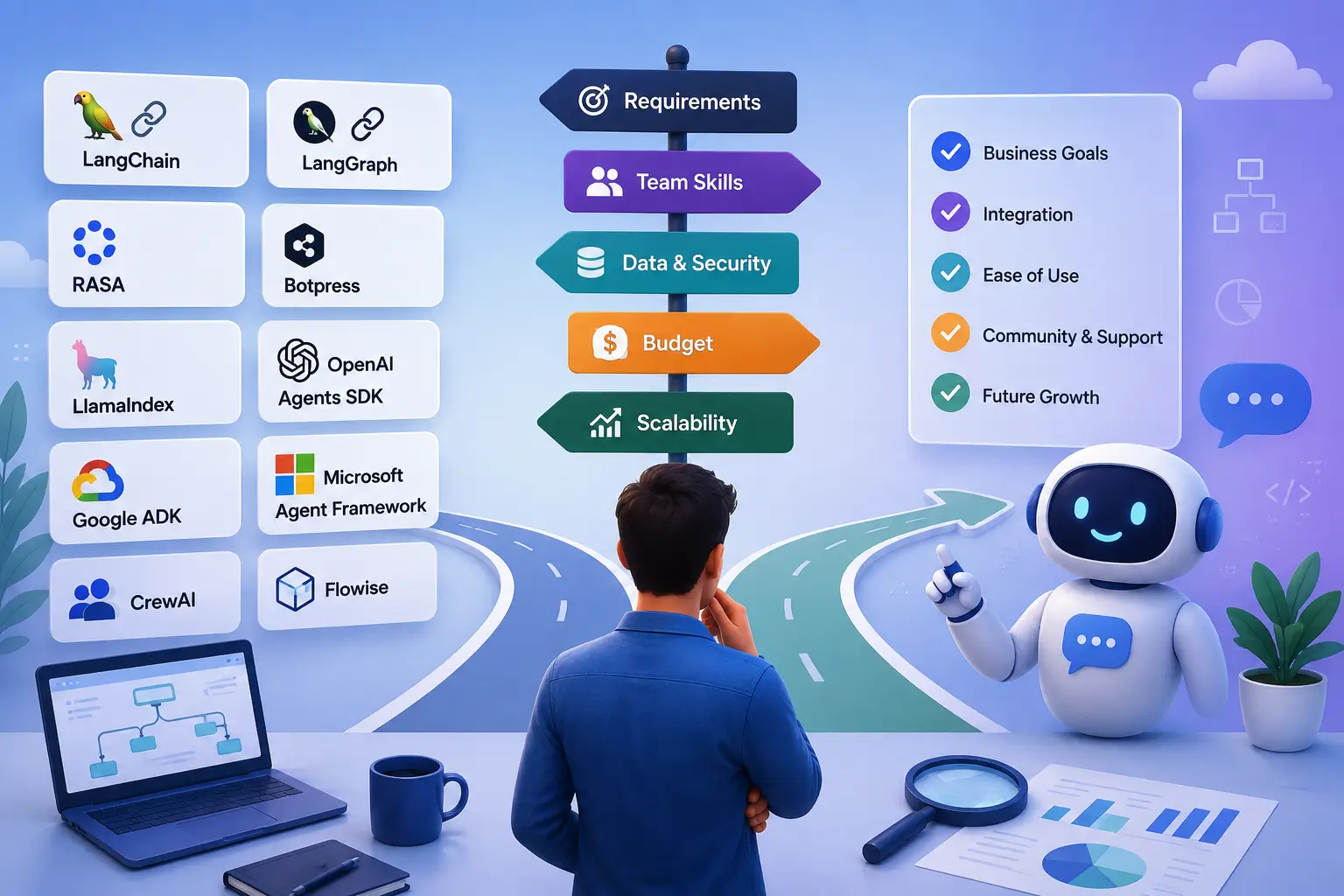
Chatbots have changed a lot in the last few years. Earlier, most business chatbots followed fixed scripts. A customer selected an option, the chatbot checked a predefined rule, and the system returned an answer. This approach still works for simple tasks, but modern AI chatbots can do much more.
Today, a chatbot can understand normal human language, search company documents, answer questions, connect with business software, check an order, schedule an appointment, recommend products, and perform certain tasks on behalf of a user. Some advanced systems use separate AI helpers to handle different parts of a big job.
This progress has also made chatbot development more complicated. Developers now have many options, including traditional conversational AI platforms, large language model frameworks, RAG platforms, AI agent frameworks, low-code builders, and cloud-based chatbot services.
Choosing the right option can feel confusing, especially if you are not deeply familiar with AI development. The good news is that you do not need the most advanced framework for every project. The right choice depends on your chatbot’s purpose, the type of information it needs, your development team’s skills, your preferred AI models, security requirements, and your expected number of users.
What Is an AI Chatbot Development Framework?
An AI chatbot development framework provides ready-made components that developers can use to create conversational applications. Instead of building everything from the beginning, developers can use a framework to connect an AI model, manage conversations, retrieve information, call external services, and control how the chatbot performs different tasks.
Traditional chatbot frameworks usually depended heavily on predefined rules, intents, and conversation flows. Modern frameworks often work with large language models, retrieval-augmented generation, tools, APIs, memory, and AI agents.
The difference becomes clear when you compare a basic FAQ bot with a modern customer-service assistant. An FAQ bot may only need to recognize a question and return the correct answer. A customer-service assistant may need to understand the customer’s request, find an order, check account information, call another system, and then explain the result.
The second system needs a much stronger development framework.
1. LangGraph
LangGraph is a useful option when your chatbot needs to perform several steps and maintain information about what happened during the process.
A simple chatbot just answers a question and stops. But a complex AI agent can handle multi-step jobs: it might search a database, pull data from an API, ask for your approval, check its work, and move on to the next task—all to give you one complete answer.
LangGraph helps developers structure these types of workflows.
For example, imagine a travel assistant that needs to find flights, compare prices, check baggage rules, and prepare a booking. Instead of treating the entire task as one conversation, developers can create a workflow with different stages.
This makes LangGraph a strong choice for applications that require more control over how an AI agent moves from one step to another. It may be unnecessary for a basic FAQ chatbot, though. If your chatbot only needs to answer simple questions, a lighter framework can make development easier.
2. LangChain
LangChain provides components for building applications around large language models. Developers can use it to connect models with tools, data sources, retrieval systems, and application logic. One reason developers choose LangChain is flexibility. A team can build different types of AI applications without creating every connection from scratch.
It can work well for customer assistants, research applications, RAG chatbots, internal knowledge systems, and automation projects. LangChain and LangGraph are often used together, but they do different jobs. LangChain gives you the basic building blocks to construct AI applications. LangGraph steps in to organize these blocks, managing complex workflows, step-by-step tasks, and memory.
If you are building a small chatbot, you may not need the entire ecosystem. Start with the features your application actually needs and add more as the project grows.
3. Rasa
Rasa takes a more controlled approach to chatbot development. Many businesses do not want their chatbot to make completely independent decisions. They want natural conversations while keeping important business processes under control.
This matters in industries such as banking, healthcare, insurance, and customer service. For example, a bank may want its chatbot to understand a customer’s request naturally. However, the actual process for changing account information or completing a transaction should follow specific rules.
Rasa can help businesses combine natural language understanding with structured conversation flows. Its current approach gives developers more control over how important business actions work. This makes Rasa worth considering when reliability, control, and predictable business logic matter more than giving an AI agent complete freedom.
4. LlamaIndex
Many companies want to build chatbots that can answer questions using their own information. That information could include product manuals, employee documents, customer-support articles, PDFs, research papers, or internal databases.
LlamaIndex focuses heavily on connecting AI applications with data. This makes it particularly useful for knowledge-based assistants and retrieval-augmented generation, commonly called RAG. Imagine a software company with thousands of product documents. A customer asks how to reset a device. Instead of expecting the AI model to know the answer, the chatbot can search the company’s documentation, find relevant information, and use it to create a response.
This approach can make business chatbots much more useful. However, the quality of the final answer still depends on the quality of the documents, retrieval system, permissions, and testing. Simply adding RAG does not guarantee perfect answers.
5. OpenAI Agents SDK
OpenAI has moved its development direction toward its newer Responses API and Agents SDK rather than the older Assistants API. This distinction matters for anyone starting a new project. OpenAI has deprecated the Assistants API and has directed developers toward the Responses API for new applications.
The Agents SDK provides building blocks for creating applications where AI agents can use tools and perform tasks. For example, a business could create an agent that answers customer questions and also uses tools to check order information or retrieve account details.
This approach can work well for teams that already use OpenAI technology and want a relatively direct path to building agent-based applications. Businesses that want broad model-provider flexibility should compare this approach with more model-agnostic frameworks before making a final decision.
6. Google ADK
Google’s Agent Development Kit, commonly called Google ADK, provides developers with a framework for creating AI agents and agent-based applications. It can be particularly attractive to businesses that already rely heavily on Google Cloud and Google’s AI ecosystem.
For example, if a company already runs its applications and data infrastructure through Google Cloud, keeping its AI application within the same ecosystem can simplify development and integration.
The main question should not simply be whether Google ADK can build a chatbot. Instead, businesses should consider whether its ecosystem matches their existing technology and development practices.
7. Microsoft Agent Framework
Microsoft has also changed its approach to AI agent development. Microsoft Agent Framework brings together ideas from AutoGen and Semantic Kernel and provides a unified framework for building and orchestrating AI agents. This is important because older articles may recommend AutoGen as a current standalone choice without mentioning Microsoft’s newer direction.
Microsoft Agent Framework can support workflows, tools, multi-agent patterns, human involvement, and different AI model providers. It can therefore be a useful option for organizations that already work with Microsoft technologies. Companies using Azure, .NET, Microsoft 365, or other Microsoft services may find this ecosystem easier to integrate into their existing environment.
8. CrewAI
CrewAI takes a team-based approach to AI. Instead of asking one AI agent to perform every task, developers can create multiple agents with different responsibilities. For example, a research application could use one agent to collect information, another to analyze it, and another to prepare the final report.
This approach can make sense when a business process naturally contains several specialized jobs. However, using multiple agents also creates more complexity. More agents can mean more model usage, more processing time, more points of failure, and more things for developers to monitor. A good rule is to start with one capable agent when possible. Add more agents only when the workflow actually benefits from them.
9. Botpress
Botpress offers a more visual approach to building conversational applications. This can help teams that want to design chatbot conversations without writing every part of the application from scratch. Developers can also add custom logic and integrations when the project needs more flexibility.
Botpress can therefore suit businesses that want to build chatbot experiences relatively quickly while still allowing developers to customize the system. Before choosing it for a large project, businesses should review its current pricing, hosting options, integrations, security features, and deployment requirements.
10. Dialogflow CX
Dialogflow CX remains an option for organizations that need structured conversational applications. It can be useful for customer-service systems and voice applications where businesses need clear conversation paths.
A visual flow can make it easier for teams to understand what happens when customers choose different options or provide different information. This makes Dialogflow CX different from a completely open-ended AI agent. If your business needs predictable conversations and managed infrastructure, this type of platform can still make sense.
11. Amazon Lex
Amazon Lex provides tools for creating conversational applications that support text and voice interactions. Its major advantage comes from its connection to the wider AWS ecosystem. Businesses that already use AWS may find it easier to connect a chatbot with their existing cloud services and applications.
For an AWS-focused company, that integration can matter more than choosing a framework simply because it appears on a popular chatbot list.
12. Flowise
Flowise provides a visual approach to creating AI workflows. Instead of writing every connection manually, users can work with visual components to connect AI models, retrieval systems, data sources, and other parts of an application. This can help teams experiment with AI applications without writing as much code.
It can also help developers understand how different parts of an AI workflow work together. However, low-code development does not remove the need for proper security, monitoring, testing, and maintenance. A visual prototype may work well during testing but still require significant work before it can handle real customers.
Traditional Chatbots vs AI Agent Chatbots
One of the first decisions you should make is whether your project actually needs an AI agent. A traditional chatbot normally follows predefined rules or conversation paths. The user asks a question, the system identifies the request, and the chatbot follows a designed flow.
An AI agent can take a more flexible approach. It may decide which tool to use, retrieve information, complete several steps, and then provide a response. For example, a restaurant chatbot that only provides opening hours does not need a complicated agent system.
But a customer-service chatbot that checks an order, verifies an account, changes a delivery address, and creates a support ticket needs much more sophisticated capabilities. The more actions your chatbot needs to perform, the more important workflow management becomes.
Why RAG Matters for Modern Chatbots
RAG has become an important part of many business chatbot projects. RAG allows a chatbot to retrieve relevant information from a company’s data before generating an answer. Imagine a company has thousands of product manuals. A customer asks how to install a particular product.
The chatbot can search the company’s documentation, find the relevant section, and use that information to create a response. This approach can work well for customer support, employee assistants, documentation systems, and product help desks.
However, businesses need to pay attention to data quality. If the chatbot retrieves the wrong document, uses outdated information, or allows a user to access information they should not see, the system can still create problems.
How to Choose the Right AI Chatbot Framework
1. Start With Your Actual Problem
Do not begin by searching for the most popular framework. First, define what your chatbot needs to accomplish. A simple FAQ chatbot may need only a basic conversational platform. A knowledge assistant may need RAG capabilities. A chatbot that performs multiple business actions may require an agent framework. Your requirements should guide the technology.
2. Consider Your Development Team
Your team’s technical skills also matter. A team with experienced Python, JavaScript, TypeScript, or .NET developers may feel comfortable with a code-first framework. A smaller team may prefer a visual development platform. A framework that looks inexpensive can become expensive if your developers spend months learning and maintaining it.
3. Think About Your Data
Before selecting a framework, understand what information the chatbot needs. If the chatbot only uses public information, your requirements may remain relatively simple. If it uses customer records, internal documents, financial information, or other private data, you need to carefully review data handling, authentication, access controls, hosting, and security. These decisions should happen before development rather than after the chatbot is ready.
4. Check Model Support
You should also think about which AI models you want to use. Some businesses are happy to depend on one provider. Others want the ability to change models when pricing, performance, or business requirements change. If model flexibility matters to your company, check provider support before selecting a framework.
5. Consider the Long-Term Cost
A framework may be free or inexpensive, but running a chatbot still costs money. Your expenses may include AI model usage, hosting, databases, vector storage, monitoring, development, maintenance, voice services, and messaging platforms. You should therefore consider the total cost of running the chatbot rather than looking only at the framework’s initial price.
Which AI Chatbot Framework Should You Choose?
There is no single framework that works best for every business. LangGraph can make sense for complex and stateful agent workflows. LangChain can work well for custom LLM applications that need flexible integrations. Rasa can suit businesses that need controlled conversations and predictable business processes.
LlamaIndex can be a strong choice for knowledge-heavy and RAG applications. OpenAI Agents SDK can work well for teams building tool-using agents around OpenAI’s ecosystem. Google ADK can suit organizations that already depend heavily on Google Cloud.
Amazon Lex can fit businesses that already use AWS, and Flowise can help teams experiment with AI workflows through a visual interface. The best choice depends on your requirements, not on the number of features listed on a framework’s website.
The Future of AI Chatbot Development
The term “chatbot” now covers much more than a simple question-and-answer system. Modern conversational applications can connect chat with search, databases, APIs, automation, and AI agents.
Imagine a customer asking, “Where is my order?” A basic chatbot can provide instructions for checking an order. A modern AI assistant could authenticate the customer, retrieve the order status, explain the expected delivery date, and answer a follow-up question.
The customer may then ask to change the delivery address. At that point, the system needs to understand the request, check whether the change is allowed, call the correct business system, and confirm the result. That is no longer just a chatbot. It is an AI application capable of taking actions. This shift explains why modern chatbot development increasingly overlaps with AI agent development and workflow orchestration.
Conclusion
Choosing the right AI chatbot development framework does not have to be complicated. Start by understanding what your chatbot needs to do. Then consider your data, development team, AI model requirements, integrations, security needs, and expected scale.
A simple customer FAQ system may not need an advanced AI agent framework. A document-based assistant may benefit from a RAG-focused approach. A complicated business automation system may need a framework such as LangGraph or another agent orchestration platform.
Businesses that already work with Microsoft, Google, AWS, or OpenAI may also find it practical to choose technology that fits their existing ecosystem. Most importantly, avoid building a system that is more complicated than your users need.
1 Comment
Pingback: Top IT Companies in India 2026: Complete List